Service
Commercial AV & Hybrid Conference Room Solutions in Ann Arbor, MI
Commercial AV and hybrid conference rooms for in-person and remote meetings: displays, cameras, microphones, speakers and controls that are easy for anyone to use.
Hybrid Meetings
What Makes a Hybrid Conference Room Work?
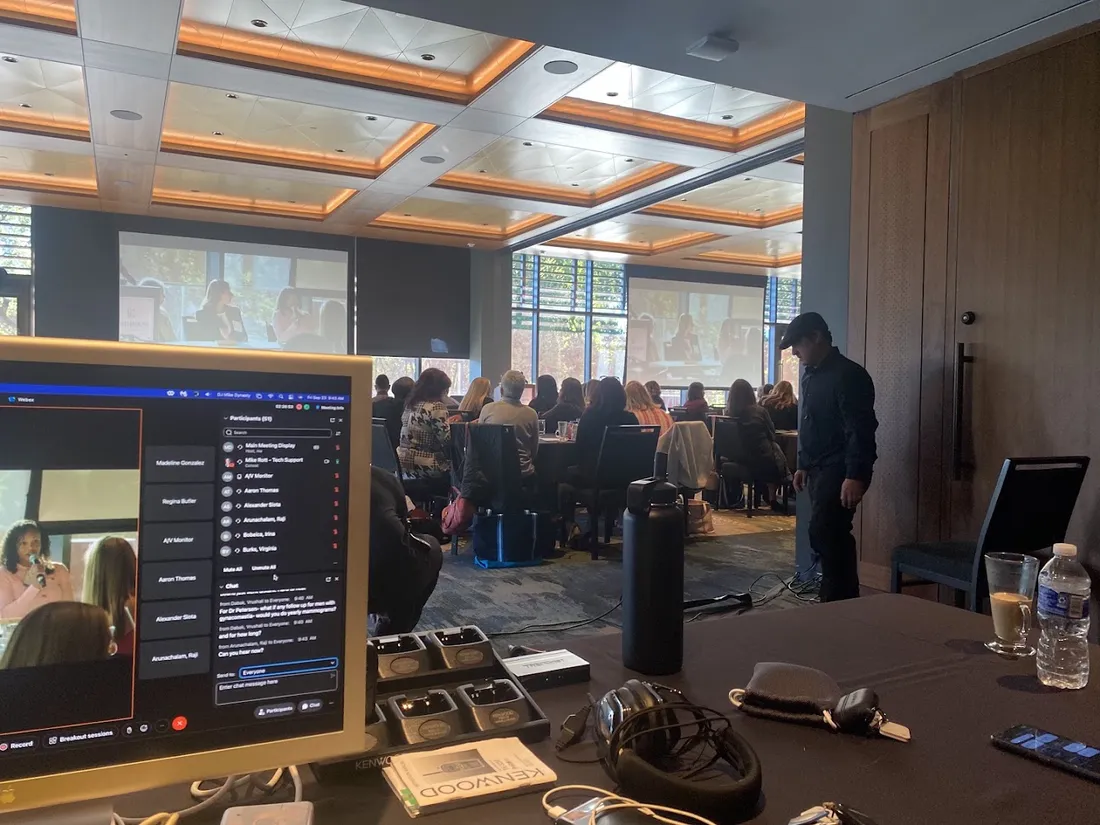
A hybrid meeting works when the people on the call can see and hear the room as clearly as the people sitting in it. When one piece is off, meetings drag: people repeat themselves, someone leans into a laptop microphone, and the first ten minutes go to fixing the connection. We design the room as one system, with each part chosen to work with the others and with the space.
Displays
Screens or projectors sized so shared content and remote faces are easy to read from every seat.
Cameras
Placed and framed so remote participants see the whole room, not just the end of the table.
Microphones
Table, ceiling or bar microphones picked for the room so every voice comes through.
Speakers
Clear audio from remote participants, positioned and tuned for the room.
Control
One simple way to start a meeting, share a screen and adjust the volume.
Network
Wired connections and network planning so calls stay steady when the office is busy.
Room Assessment
Why Do Video Calls Sound Bad in Conference Rooms?
Most poor call audio comes from the room, not the software. Hard walls and glass bounce sound around, a single laptop microphone sits at the far end of a long table, speakers end up too close to microphones, or the Wi-Fi drops when everyone in the building is online at once.
Before recommending any equipment, we look at the room size, the table layout, the wall and ceiling materials and how the space is used, from a two-person huddle room to a boardroom or a training room. That assessment is what tells us whether ceiling microphones or tabletop ones make more sense, where the camera should go, and whether the room needs some acoustic help before any new gear will sound its best.
Easy to Use
How Do You Make Conference Room Technology Easy for Everyone?
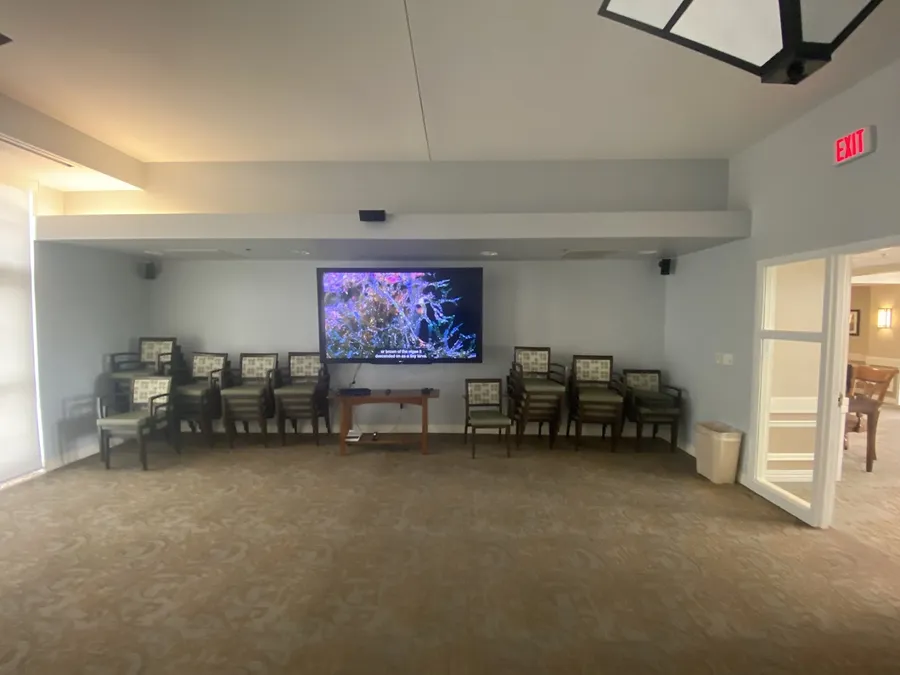
The best meeting room is the one nobody has to think about. Anyone on the team, including the person who only uses the room once a month, should be able to walk in, start the meeting and share a laptop screen without calling for help.
We keep controls simple and consistent: a single panel or button to start, clearly labeled connections, and cables managed so nothing gets unplugged by accident. The room is set up around the meeting platform your team already uses, whether that's Zoom, Microsoft Teams or Google Meet, so it connects the same way every time. Making technology easier to live with is the reason we do this work, at home and at the office.
Commercial Spaces
AV for Bars, Restaurants, Offices and Training Rooms
Commercial AV goes well beyond the conference room. In bars and restaurants it means TVs placed where every table can see the game and audio that reaches the room without drowning out conversation. We've installed setups like that, including several TVs over a bar with a ceiling-mounted projector alongside them. In offices, classrooms and training rooms it means displays and sound that make presentations easy to follow from the back row.
We take on projects of all sizes, including larger multi-room jobs, and we plan cabling and mounting around how the business actually runs. For projection in drop ceilings, bars and meeting rooms, see our projector and screen installation page.
Planning an Upgrade
When Should a Business Upgrade Its Meeting Room AV?
Meeting room technology rarely fails all at once. It wears down until people quietly avoid the room or bring their own laptops and speakerphones. A few signs it's time to look at an upgrade:
- Remote attendees regularly ask people in the room to repeat themselves
- Meetings start late while someone sorts out cables, inputs or settings
- The display or projector is dim, small or hard to read from the back
- Laptops need adapters nobody can find
- You're moving offices or remodeling, the easiest time to run new cabling
If any of those sound familiar, tell us about the room and how your team meets, and we'll talk through what would make the biggest difference.
Questions
Commercial AV & Hybrid Conference Room Solutions FAQ
Can you upgrade our existing conference room instead of starting over?
Often, yes. Some rooms just need better microphones, a camera in the right spot or a simpler way to connect. We look at what's already there and keep what still works.
What size display does a conference room need?
It depends on the distance to the farthest seat and what you show. Spreadsheets and documents need a larger image than video calls. We size the display so the person farthest from the screen can read it comfortably.
Do you install TVs and audio in bars and restaurants?
Yes. We've installed multiple TVs and a ceiling-mounted projector in a bar, and we plan placement so screens are visible from the tables and the audio fits the space.
Do you also work on residential projects?
Yes, home projects are a big part of what we do, from home theater design to TV mounting with hidden wires.
Which areas do you serve for commercial AV?
We're based in Ann Arbor and work with businesses in nearby communities, including Pittsfield Township, Scio Township, Canton Township and Plymouth.
Keep exploring
Other Services You Might Need
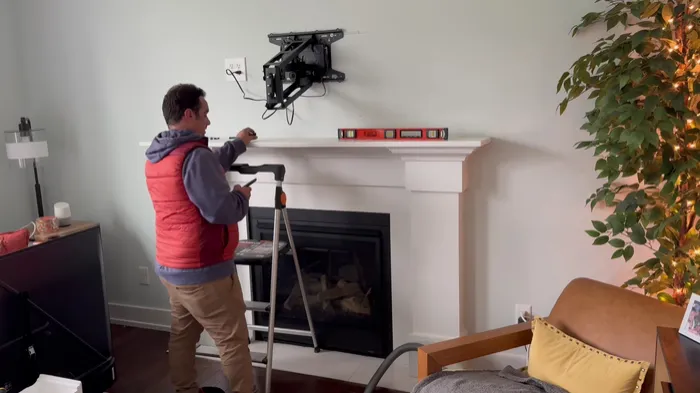
TV Mounting & Wire Concealment
TV mounting on drywall, brick and stone, including over the fireplace and on mantel mounts, with the cables run inside the wall so nothing hangs below the screen.
Learn more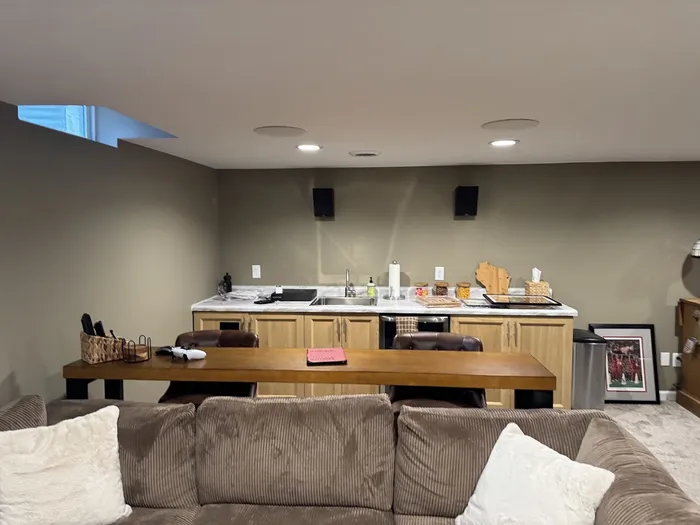
Surround Sound & In-Wall Speaker Installation
Surround sound, in-wall and in-ceiling speakers, soundbars and amplifiers, placed for your room and wired out of sight so you hear the sound, not see the gear.
Learn more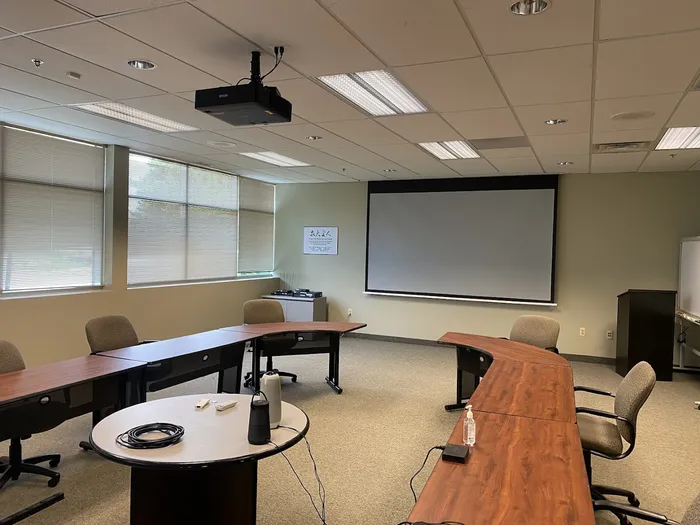
Projector & Screen Installation
Home theater projectors and screens, plus ceiling mounts for basements, bars and meeting rooms, with the screen sized to your seating and the wiring hidden.
Learn moreReviews
What Customers Say About Our Work
Reviews from homeowners and businesses we have worked with, straight from our Google Business Profile.

Start your project
Contact Us
Tell us about the room, the screen and the sound you want, and we will get back to you with next steps.
Call Us(586) 960-5776Contact Us
Tell us about your room and what you have in mind, and we will get back to you.